Ready to Launch Your eBook? Kylescope Services Await!
Don’t let the technical process slow you down. Access expert human writers, AI tools, and quality checks right now to bring your digital book to life swiftly and professionally.
Writing an ebook can feel overwhelming when you begin. Many aspiring authors start with excitement but quickly lose direction because they lack a single, unified resource that explains what truly matters. The process becomes even more confusing with conflicting advice online, inconsistent formatting recommendations, and unclear publishing instructions. Fortunately, you can learn **how to write an ebook** effectively by following a structured roadmap based only on practical experience.
The insights in this guide come from a real self-publishing journey, where the author navigated everything from ISBN decisions to formatting challenges, from KDP quirks to the realities of selling direct. Whether you are preparing your first digital manuscript or refining a book you have already drafted, this user-focused guide will help you move confidently from concept to publication.
This resource also highlights where you can deepen your writing skills through supportive platforms like the expert content hub at KyleScope Writing Insights, professional solutions at expert eBook writing services, specialty advice on crafting ebooks via the ultimate eBook creation platform, and structured article-building guidance through research writing assistance.
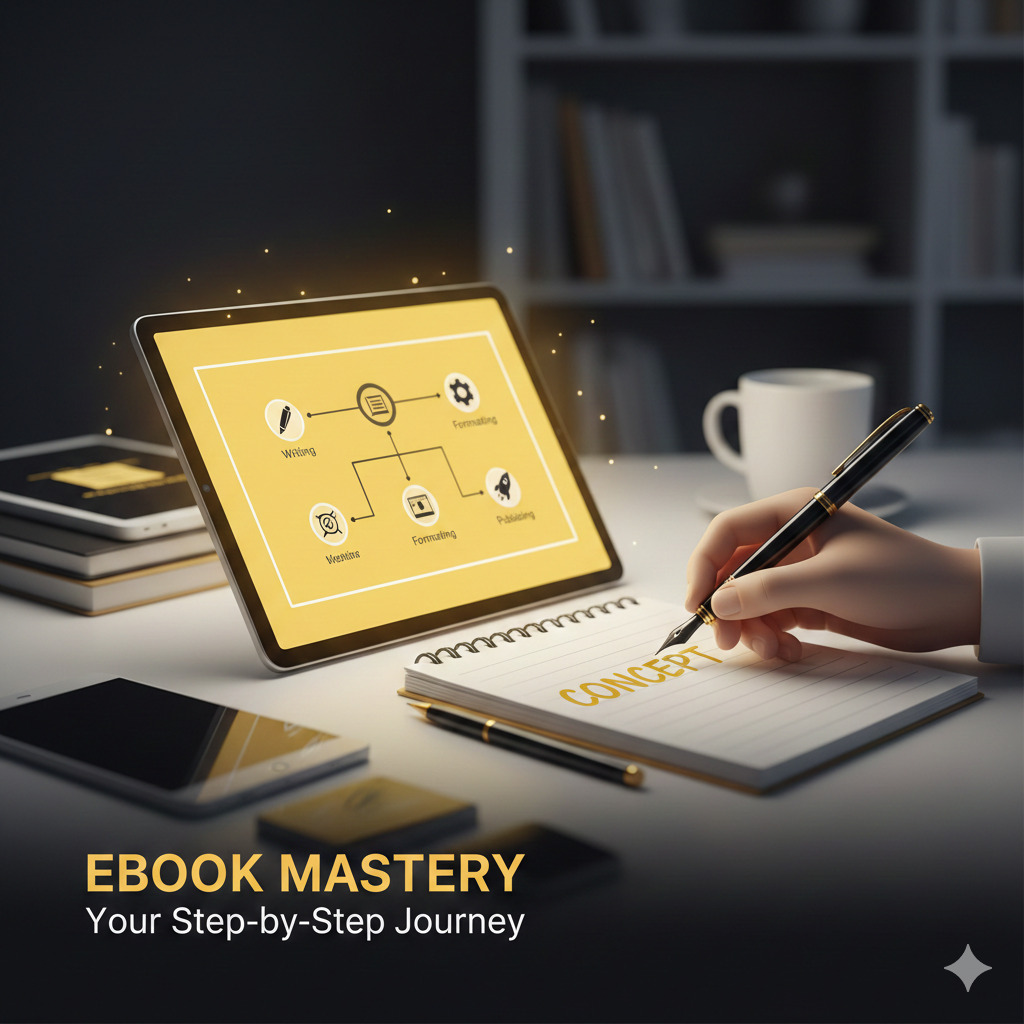
Your Step-By-Step Journey to Writing an Exceptional eBook
Before You Begin: A Quick Thought to Anchor Your Vision
Every strong project begins with clarity. When learning **how to write an ebook**, you need to approach the process as a long, flowing digital experience rather than a traditional print layout. In a printed book, you control every page, margin, and position of images. In contrast, an ebook adapts to different devices, screen sizes, and reading preferences. This means your layout must be responsive, flexible, and centered on user comfort. Begin with the mindset that your document will behave more like a scroll than a series of fixed pages. This shift prepares you for every formatting decision you will make later, including linking styles, structuring chapters, aligning images, and creating navigation features that actually work.
Let Passion Lead the First Draft
To master **how to write an ebook**, start with a topic you care about deeply. Passion fuels consistency, and consistency is essential because formatting, revising, and preparing files will challenge your patience at times. The journey includes technical steps such as converting files to HTML, creating MOBI and EPUB versions, adjusting links, building a table of contents, and reformatting images.
When your subject excites you, every step becomes easier. Passion also keeps your writing authentic, and therefore helps you maintain a strong voice as you develop content meant for long-form digital reading. Need a boost? Explore how to hire a skilled content writer from our team.
Turn Existing Writing Into a Strong Foundation
One of the most innovative strategies is to draw from material you have already created. Notes, blog posts, research articles, and old manuscripts can become the backbone of your draft. This not only speeds up the professional content writing process but also ensures you already have material that resonates with your expertise. Learn about the best AI tools for content writing to help refine and structure your existing material efficiently.
Format Your Work for Seamless Digital Reading
Formatting is the heart of learning **how to write an ebook** effectively. It is not enough to write excellent content. You must also prepare it for screens of all shapes and sizes.
Key lessons about formatting your work include:
- Do not use tabs, multiple spaces, or repeated paragraph breaks because e-readers ignore them.
- Insert images **in-line**, not floating, to avoid misplaced elements.
- Resize images to **300 dpi** and **1000 pixels** on the long side.
- Use styles (such as Heading 1) instead of manual formatting so your table of contents generates correctly.
- Avoid wrapping text around images because it rarely displays consistently.
- Add page breaks after chapters, but avoid unnecessary ones in the body.
Thinking this way creates a reader-friendly experience regardless of device, whether someone reads on a Kindle, tablet, or phone.
Invite the Crowd Into Your Editing Process
Editing an ebook is not a solo pursuit. Because digital documents behave unpredictably across devices, it helps to gather feedback from multiple readers. Their experiences will highlight issues like broken links, missing spaces, misplaced images, and non-responsive formatting.
Crowdsourcing your editing ensures you do not overlook errors that only surface on certain e-readers. Some users may preview your manuscript on Kindle apps, while others test on mobile devices, hence allowing you to identify inconsistencies early. Remember to check grammatical accuracy and plagiarism using our dedicated tools!
Polish, Tweak, and Refine for Digital Precision
The real secret behind **how to write an ebook** that feels professional lies in refinement. Formatting can look perfect in your word processor, but break during conversion.
Key refinements include:
- Ensuring line breaks appear before page breaks.
- Adjusting bold and italic styles that may not transfer.
- Rechecking every hyperlink and bookmark location.
- Testing image placement repeatedly.
- Removing references to page numbers because e-books do not use them.
It is important to preview and adjust the cycle until your book works smoothly everywhere.
Publish Strategically and Add a Smart Twist
When you understand **how to write an ebook**, you also learn that publishing is a multi-step process. Kindle Direct Publishing (KDP) offers the easiest entry point, which allows you to convert and upload your manuscript with minimal effort.
You can upload a DOCX file, but the PDF stresses that converting your document to HTML before uploading increases accuracy and reduces formatting errors. KDP also lets you decide whether to enable Digital Rights Management (DRM). While DRM aims to reduce piracy, it often causes inconvenience for legitimate readers and can be bypassed easily by determined pirates. A strategic twist, such as offering bonus content or early access, can elevate your launch and give readers a reason to support your work immediately.
Mastering the Practical Side of Publishing Your eBook
Understanding ISBNs and When You Truly Need Them
ISBNs are optional for ebooks sold on Amazon. If you choose to purchase one, Bowker remains the only U.S. source, but buying multiple at once reduces the cost per unit. ISBNs help classify different versions, but many platforms do not require them.
Creating a Test Document to Reduce Risk
Before formatting your entire manuscript, you must create a mini test ebook containing headings, images, links, and varied formatting. This allows you to preview how elements behave before you commit hours of work.
Designing a Strong Cover
Your ebook cover must:
- Be JPG or TIFF
- Use RGB
- Stay under 50MB
- Maintain a 1.6:1 aspect ratio
- Be 2500 pixels long
Creating the cover separately ensures KDP recognizes it correctly.
Building a Navigable Table of Contents
A linked table of contents is essential. It is vital that you:
- Use Heading 1 styles to automate TOC creation (PC).
- Manually create bookmarks and hyperlinks (Mac).
- Add “Return to Table of Contents” links at major sections.
Strong navigation dramatically improves user experience on e-readers.
Converting Files With Confidence
Calibre stands out as an essential tool for converting DOCX files into EPUB and MOBI formats. However, some of the most common challenges include misplaced page breaks and image issues. Their solutions involve ensuring a space before every break.
You must also preview each format on actual reading apps:
- Kindle app for MOBI
- iBooks for EPUB
Deleting old versions before testing new ones prevents confusion during edits.
Conclusion: Your Clear Path to Writing a Successful eBook
Understanding **how to write an ebook** becomes easier when you follow guidance drawn from hands-on experience. By starting with passion, grounding your work in existing writing, formatting with intention, gathering feedback, refining endlessly, and selecting the right publishing pathways, you gain control over the entire digital book-building process.
This comprehensive roadmap, from image preparation to hyperlinking, from KDP quirks to direct sales through Gumroad, equips you with everything you need to succeed. Whether you plan to publish exclusively on Amazon or distribute independently, you now know how to turn a manuscript into a polished eBook readers can enjoy on any device. Above all, the journey proves one thing: you absolutely should write an eBook. The world is waiting for your story, knowledge, or expertise, and now you have a clear, structured way to bring your digital book to life.
Ready to Finalize Your Digital Book?
Your story deserves to be told. Let Kylescope handle the technical details while you focus on the vision. Choose your next step below!