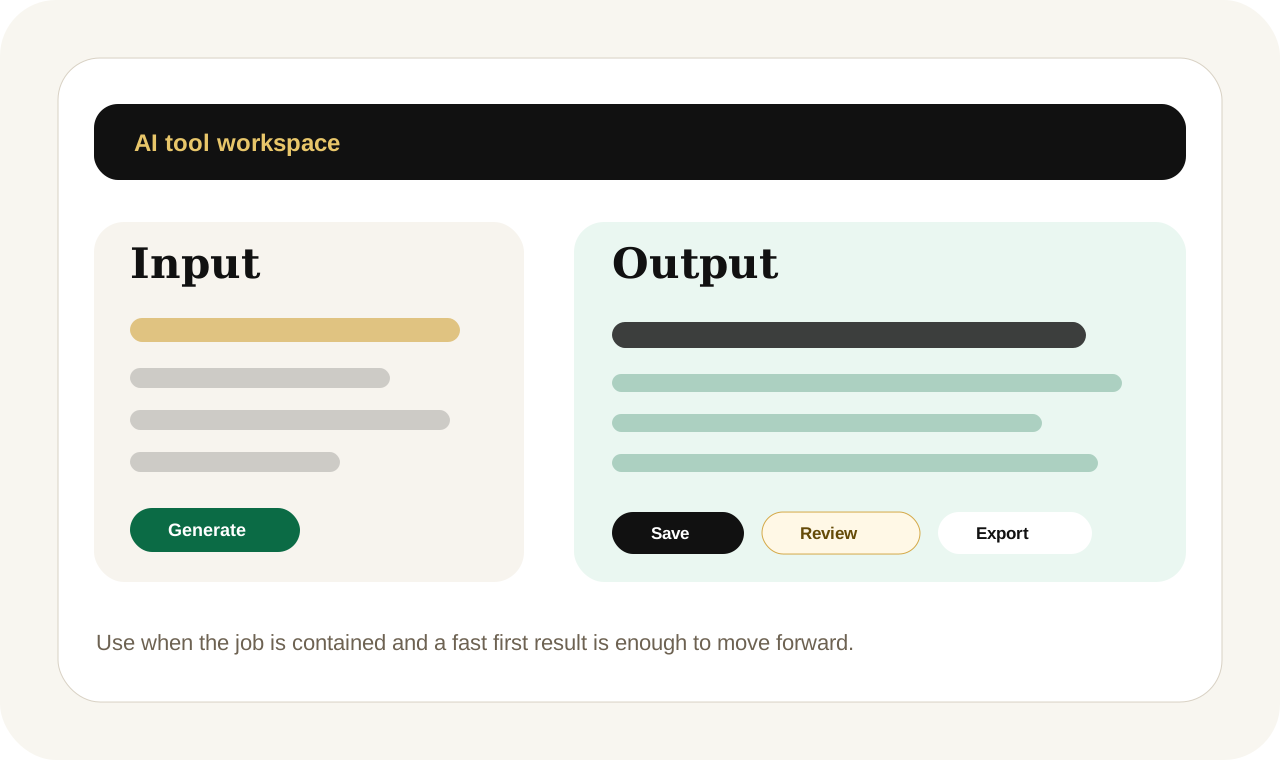
Start with the user need first: add the problem, source material, or draft you already have, generate a useful first result, then decide whether to save, export, improve, or request human help.
Start with the minimalist tool interface first, then move the same job into an automation, workflow, or human-assisted delivery path once the pattern is proven.
Payment paths include direct PayPal Checkout where configured, a hosted PayPal fallback, and quote-first requests for custom builds. PayPal may support wallet payments plus eligible credit and debit cards.
Recommended UI model
Single-purpose generator
Support inbox with issue summary, reply composer, customer context, escalation rules, and satisfaction signals.
Intercom, Zendesk
InboxIssueReplyEscalationCSAT
Primary workspaceInbox-style response workspace
Choose the lightest useful path
Tool, service, or custom build?
Use the tool
Best when the job is clear, the source material is ready, and a fast first result solves enough of the problem.
Use whatsapp reply assistant first, then save, export, or request expert help when the result matters
Use one private account to move between focused tools, saved outputs, export actions, and the next escalation path when a quick result turns into a bigger job.
Tool workspaceAI ToolsFree first-use previewCards through PayPal Checkout laterSave drafts and outputsUnified Kylescope access
Sign up to access tools, save work, and move into human help from one account
Every tool page supports self-serve exploration, but signing up unlocks the connected dashboard around saved outputs, requests, workflows, analytics, and human-delivered services.
Save drafts and outputsExport polished filesTrack requests and upgrades
This page keeps the public SEO and self-serve path open, while sign-in unlocks a more connected private dashboard around the same work.
Next laneTurn the result into a broader workflow
Start with the focused interface, then step into automations, workflows, analytics, or done-for-you delivery when the pattern repeats.
Commercial pathPublic page first, private workspace when ready
Every route still supports a cleaner step up into Project Desk, pricing, or expert help without breaking the original page logic, breadcrumb trail, or discovery flow.
Conversion path
Use WhatsApp Reply Assistant now, or let Kylescope handle the heavier version
Open the self-serve workspace when you need speed. Sign up to save progress, or move the same task into human-reviewed delivery when quality, approvals, integrations, or customer trust matters.
Paste the customer’s message and Kyro writes clear reply options for price questions, bookings, stock, delivery, location, complaints, and follow-ups.
This page helps a buyer understand the job the tool solves, how it fits into a premium delivery flow, and when a bigger implementation path makes more sense than another isolated output.
AI tool output preview.Messaging Reply Assistant has a visible output path so users can decide whether the self-serve result is enough or whether the work should move into expert review.
Focused tool session
Messaging Reply Assistant with human review and AI acceleration
This tool page shows how a focused AI output can start the work quickly while human judgment, formatting, and delivery support stay available when quality matters more.
Messaging Reply AssistantWhatsApp and Customer SupportCard-supported PayPal Checkoutwhatsapp reply generator kenya
Task in
Many Kenyan businesses sell through WhatsApp but repeat the same replies all day. A customer asks “last price?” or “Can you deliver?” and the owner wastes time typing from scratch.
Useful output
Short replies, professional replies, friendly replies, next-step messages, quote request replies, booking replies, and customer support responses.
Human escalation
Move into Project Desk when the task needs brand review, automation setup, or a broader implementation path.
What it creates
Messaging Reply Assistant
Short replies, professional replies, friendly replies, next-step messages, quote request replies, booking replies, and customer support responses.
Three WhatsApp-ready reply options.
International workflow-ready
Copy, save, or export
Human-centered fit
Why someone opens this tool before they buy a bigger system
Many Kenyan businesses sell through WhatsApp but repeat the same replies all day. A customer asks “last price?” or “Can you deliver?” and the owner wastes time typing from scratch.
The goal is to create immediate momentum while keeping the longer-term service and workflow paths obvious.
Who it helps
Built for practical business use
WhatsApp sellers, salons, repair technicians, real estate agents, delivery businesses, online shops, agencies, service providers, and small teams.
Reply to “How much for cleaning a 2-bedroom in Kilimani?”
Human-delivered option
Use the service lane when the work needs more than a fast output.
Start with this tool when you want speed. Move to Project Desk when the task needs automation setup, brand review, custom formatting, or a broader business workflow around the output.
Use this tool when the job is clear and the first output matters more than deep implementation.
This is the right route when the user knows what they need, wants momentum now, and still wants a page that explains the next upgrade path clearly.
Move on when
Step into a broader build when the task repeats, touches revenue, or needs team-level review.
If the work keeps recurring or starts affecting operations, customers, or brand quality, use the workflow, automation, or expert-help path instead of treating the tool like the whole system.
FAQs
Questions customers ask before using this path
Does it send the WhatsApp message automatically?
Not yet. It prepares the reply and gives a share button.
Can I make it sound less robotic?
Yes. Use tone options such as friendly, professional, short, warm, or firm.
Can it create follow-ups?
Yes. There is a shortcut to the Follow-Up Generator.